

GUIDE · COMPARISON
LED frame or TV? Which shows your menu and offers better in your venue
Many venues hang up a TV just to show a menu or a single promotion. If the image doesn’t move, a backlit LED frame does the same job more simply, more quietly and for less. Here’s the comparison in numbers.
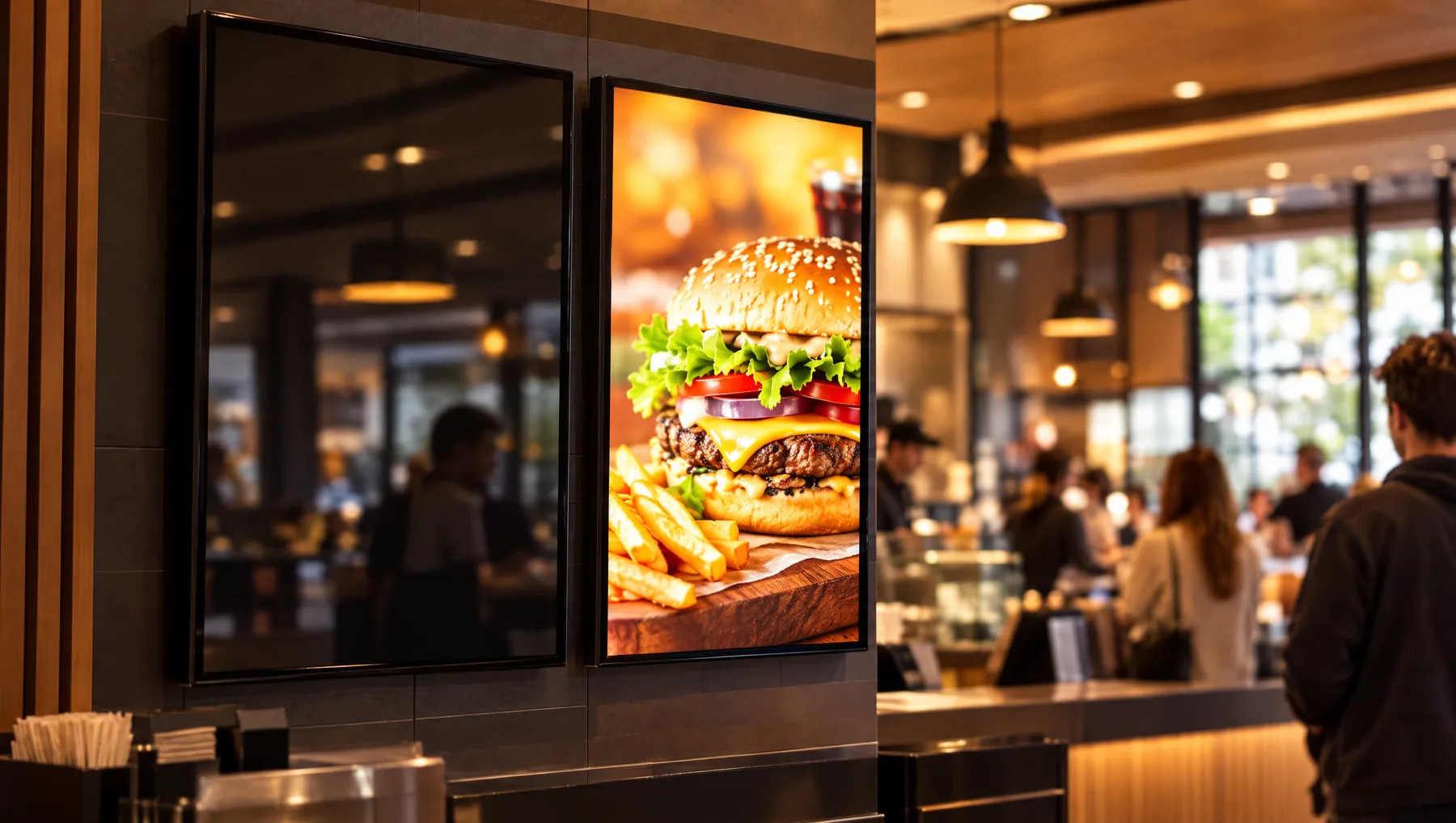
First ask: does the image need to move?
A TV makes sense when you show video or animations, or change the content many times a day. But if one menu, one poster or one promotion stays on screen all day, you’re paying for features you don’t use.
An LED frame displays a print on backlit film, evenly lit from behind. It isn’t a screen but a poster that glows — and in that role it beats a TV on almost every count.
Comparison at a glance
The frame data comes from our technical specifications. The TV figures are typical for 40–55 inch consumer models — check the specific model in its product sheet and on its EU energy label.
| Feature | LEDMESEE LED frame | TV as a menu or poster |
|---|---|---|
| Power consumption | 3–32 W, depending on size (A5–A0) | usually from several dozen to over 100 W |
| Thickness | 12 mm (single-sided model) | a few centimetres, more with a mount |
| Installation | mounting kit included, A1 frame weighs 5 kg | VESA mount and heavy-duty wall anchors |
| Cables and electronics | one power cable or a cordless model | power, player or storage media, often internet |
| Software | none — the frame lights up once plugged in | system, apps, updates and settings |
| Changing content | swap the print in seconds, no tools | prepare a file and upload it to the screen |
| Image | print-quality photo, even light across the surface | pixels and refresh, a black panel when off |
| Operation | silent, no fans, barely warms up | runs hotter, the player may have a fan |
| Video and animation | no | yes — the screen’s main advantage |
| Price | a fraction of the price of a screen with player and installation | higher: screen, player, mount and installation |
Electricity: several times less, all day long
An LEDMESEE frame draws from 3 W (A5) to 32 W (A0 and the largest sizes). The popular A2 uses 15 W, and the A1 25 W. A typical consumer TV draws several dozen watts, and larger models over 100 W.
Example: an A1 frame lit 12 hours a day uses about 9 kWh a month. A TV drawing 100 W over the same time uses about 36 kWh, which is four times as much. The difference grows with every additional frame or screen in your venue.
12 mm on the wall instead of a TV set
The single-sided frame is 12 mm thick including the tempered glass, so it looks like a picture, not a TV. An A1 poster has a diagonal similar to a screen of about 40 inches, and a frame in this size weighs 5 kg and hangs on the included mounting kit.
A TV needs a VESA mount, heavy-duty anchoring and space for cables and a player. Not every consumer model is designed to run in portrait orientation either, while menus and posters are usually portrait.
No software, player or updates
- There’s no system to update and no app that stops working when the Wi-Fi password changes.
- You don’t need a player, a USB stick or an HDMI cable — a power supply is all it takes. The power bank model even works without a cable.
- No risk of image burn-in, which threatens some screens that show the same static image for many hours.
- The frame has no fans or speakers: it runs silently and barely warms up.
- It can stay lit throughout your venue’s working day, from opening to closing.
- Consumer TV warranties often don’t cover commercial use — check the terms before you buy.
A new offer in a few seconds
Changing the content on a screen takes a file in the right format, a storage device or an app, and someone who knows how to do it. With the frame, you slide the old poster out through the slot and slide the new one in — no tools, in a few seconds. You order further prints in the same size, and the frame stays where it is.
A poster that looks good in photos too
A backlit print is print-quality photography: no pixels and no screen refresh, so it also comes out well in photos taken on a phone. Light passes evenly through the entire poster, with no bright rim.
A TV that’s switched off is a black panel, while the frame still shows the poster when its light is off. Like any pane of glass, the frame’s glass can give slight reflections, so check the angle and the position of lamps when mounting it.
When a TV is the better choice
To be fair: a screen wins when the content has to move or change many times a day. In that case it’s worth investing in a screen, and putting LED frames where a fixed, clear poster is enough: in the shop window, by the entrance and above the counter.
- You show video, animations or scrolling messages.
- Your menu changes during the day, e.g. breakfast, lunch and dinner.
- You change content remotely across many venues at once.
- You display live data, e.g. queue numbers or timetables.
How to replace a TV with a frame
- Measure the spot where the TV hangs or was going to hang.
- Choose a size: A1 roughly matches a 40-inch screen, and A2 about 29 inches.
- Order the frame with a backlit print — one free print with every frame.
- Hang the frame, plug in the power supply and slide in the poster.
Frame finder
Not sure which frame to choose?
Answer 4 short questions — we will suggest the model, size and accessories, and you can add the complete set to your cart in one click.
Find your frame in 30 sYOUR VENUE. YOUR DESIGN.
Show us your location.
An interior photograph and brief offer description are enough to start. We will help choose the model, format and print for what the customer should see.
FOR ADVERTISING AGENCIES
Sell frames and earn on every poster change.
Join the LEDMESEE partner programme: attractive agency pricing and 30% off to start. We are looking for partners worldwide.