
LEDMESEE IN FAST FOOD
Burger, kebab, fries — a decision in seconds.
In quick-service food, customers read the menu while standing in the queue. A clear, illuminated menu board with large photos speeds up the choice and takes pressure off the till.
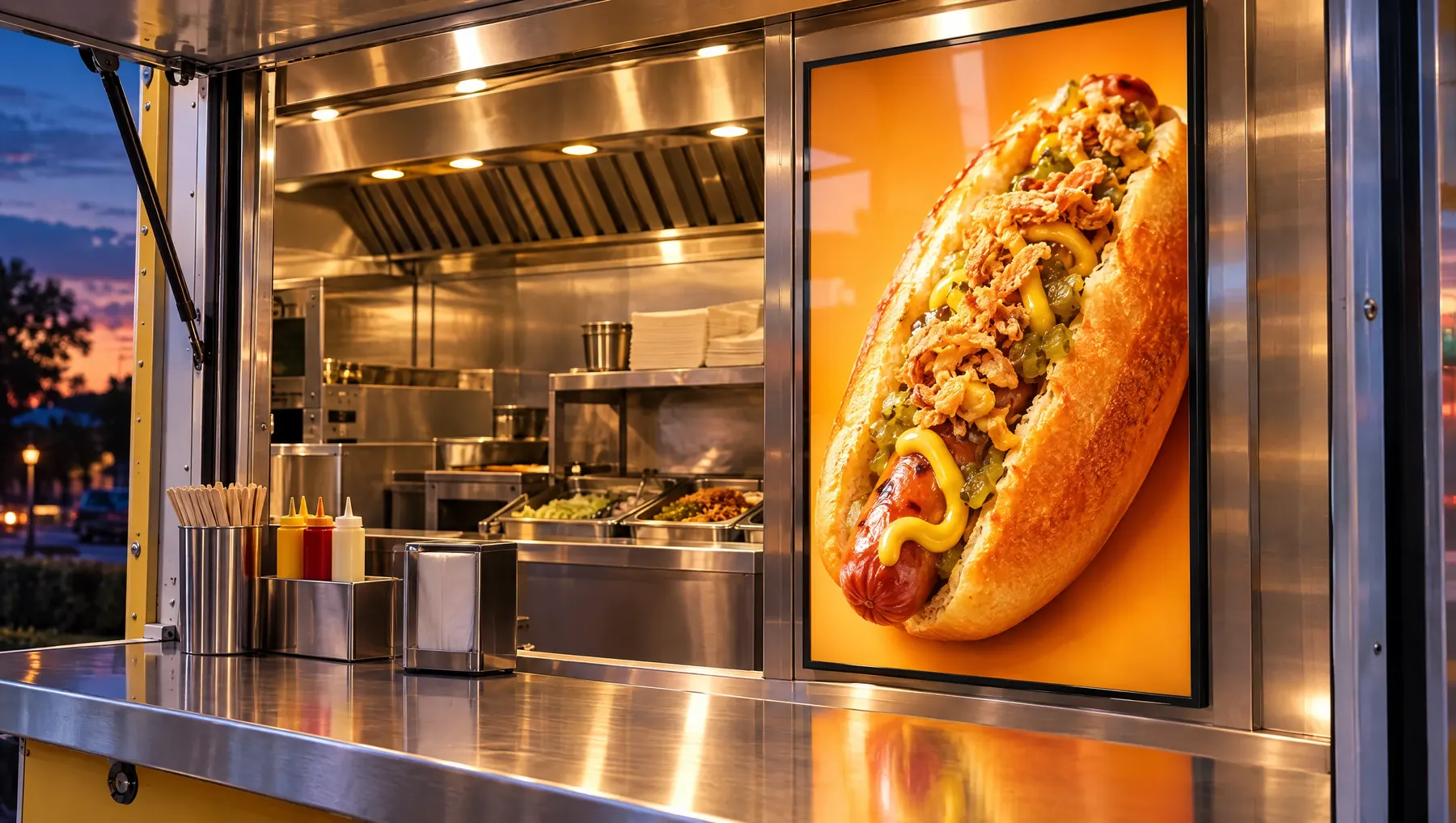
What to show in the frame
A fast food menu needs to be readable from several metres away. Fewer items and bigger photos work better.
- Numbered meal deals: burger, fries and a drink — one photo, one price.
- Kebab options: in a bun, in a wrap, on a plate, in a box.
- A new or limited-edition burger at the top of the menu.
- Extras and sauces with prices, so customers do not have to ask at the till.
- Late-night or student offer at set times.
Where to hang it and which format
- Above the counter: two or three horizontal 1200 × 450 mm or 900 × 350 mm frames side by side as an LED menu board.
- Wall by the queue: single-sided 800 × 1200 mm with the burger of the week.
- Serving hatch or till counter: A4 (210 × 297 mm) power bank frame with extras.
- Window: double-sided hanging A0 (841 × 1189 mm) behind the glass, visible to passers-by in the evening.
Why a backlit poster rather than a screen or an ordinary frame
Traditional menu light boxes are bulky, and every change means new inserts and installation. Screens need software and someone to update the content. An LEDMESEE frame is just over a centimetre deep, lights evenly without halo and shows a burger photo in juicy colours. Changing a price or meal deal means sliding in a new print without tools, and tempered glass is easy to clean of grease and kitchen fumes.
Case study
A kebab shop by the station had its menu on a faded board with prices corrected by hand. Three horizontal 1200 × 450 mm frames now hang above the counter — kebabs, meal deals and extras — and a double-sided A0 with the late-night offer is in the window. When prices changed, the owner only ordered new prints, and customers in the queue choose their meal before they reach the till.
How to order — step by step
You do not need to know about advertising or printing. You just need to know where the frame will hang and what you want to show on it.
- Measure the space and choose the artwork format — you will find tips above.
- Choose a model: single-sided for the wall, double-sided for the window, horizontal above the counter or with a power bank for the table.
- Prepare your artwork or describe what you want to show — we will help you choose the right backlit print.
- Order a frame and print at shop.ledmesee.com or send a photo of the space via the contact form.
- Hang or stand the frame, connect the power and slide in the poster. You change the next graphic in seconds.
Important: an indoor frame
LEDMESEE frames are designed for indoor use. The slot through which you change the poster is not sealed, so outdoors dust, dirt and moisture would get inside. If you want passers-by to see your advertising, place the frame indoors, behind the shop window. We are working on a special cover that will protect the frame from rain, snow, dust and dirt.
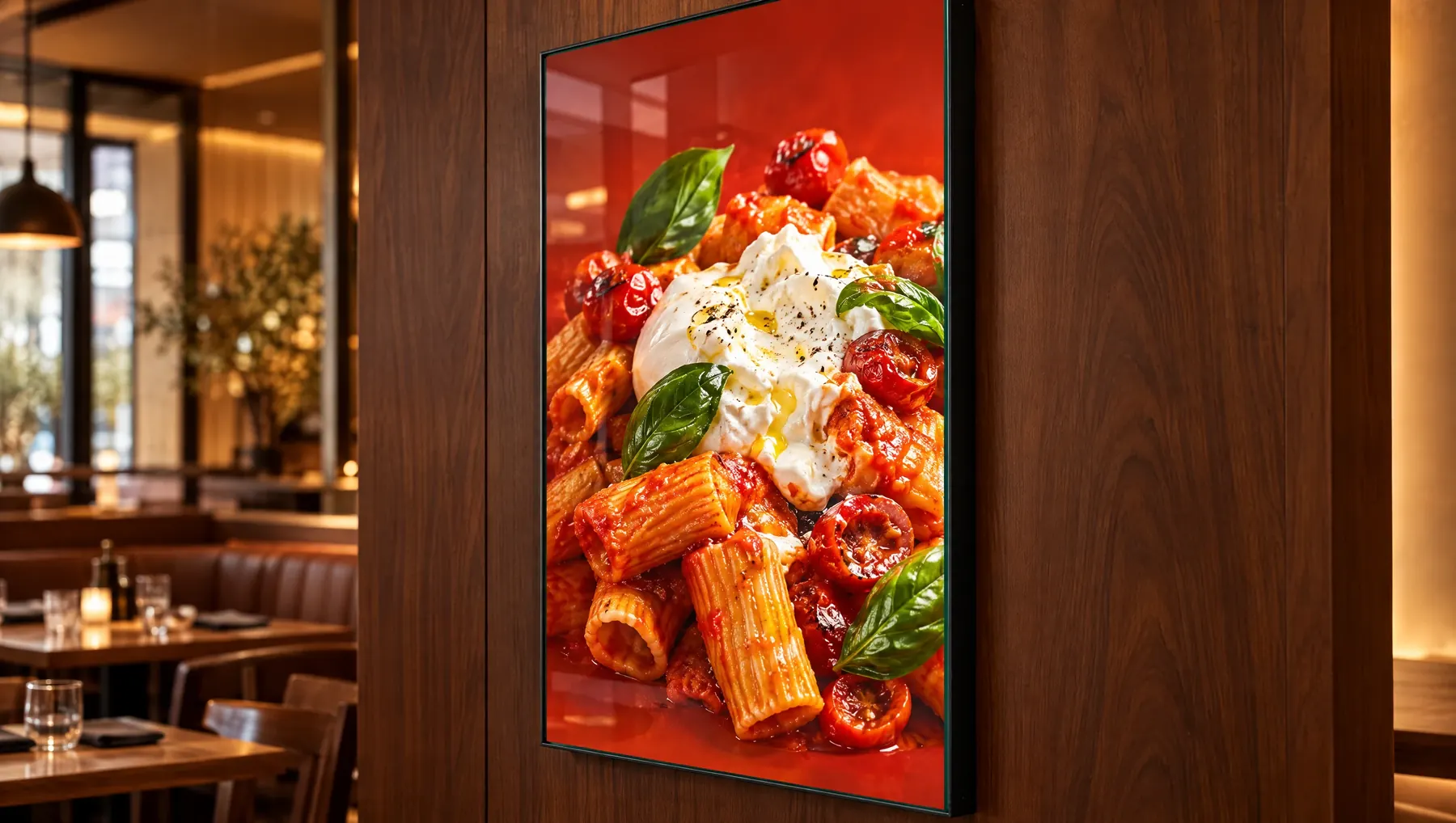
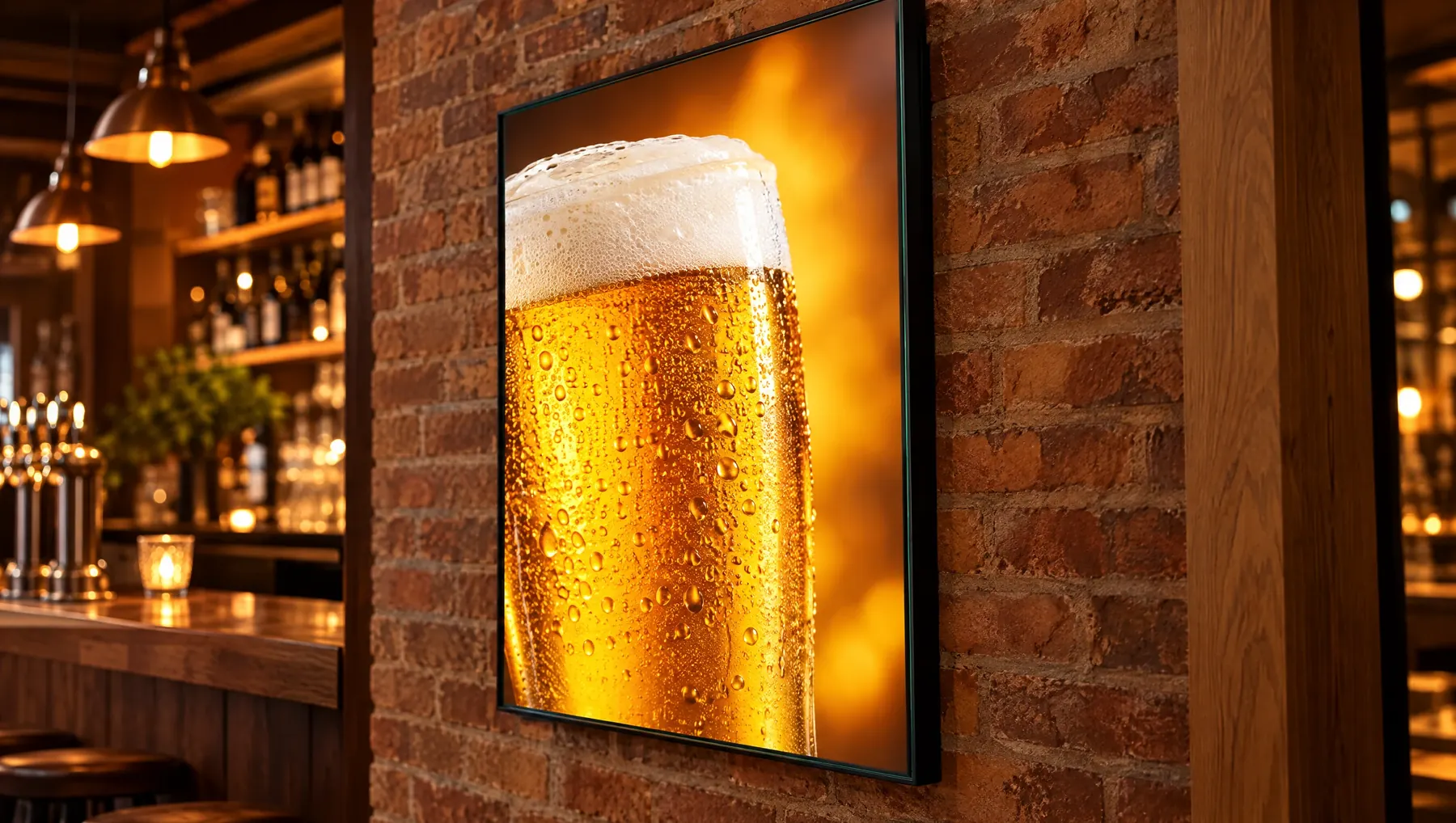
YOUR VENUE. YOUR DESIGN.
Show us your location.
An interior photograph and brief offer description are enough to start. We will help choose the model, format and print for what the customer should see.
FOR ADVERTISING AGENCIES
Sell frames and earn on every poster change.
Join the LEDMESEE partner programme: attractive agency pricing and 30% off to start. We are looking for partners worldwide.